
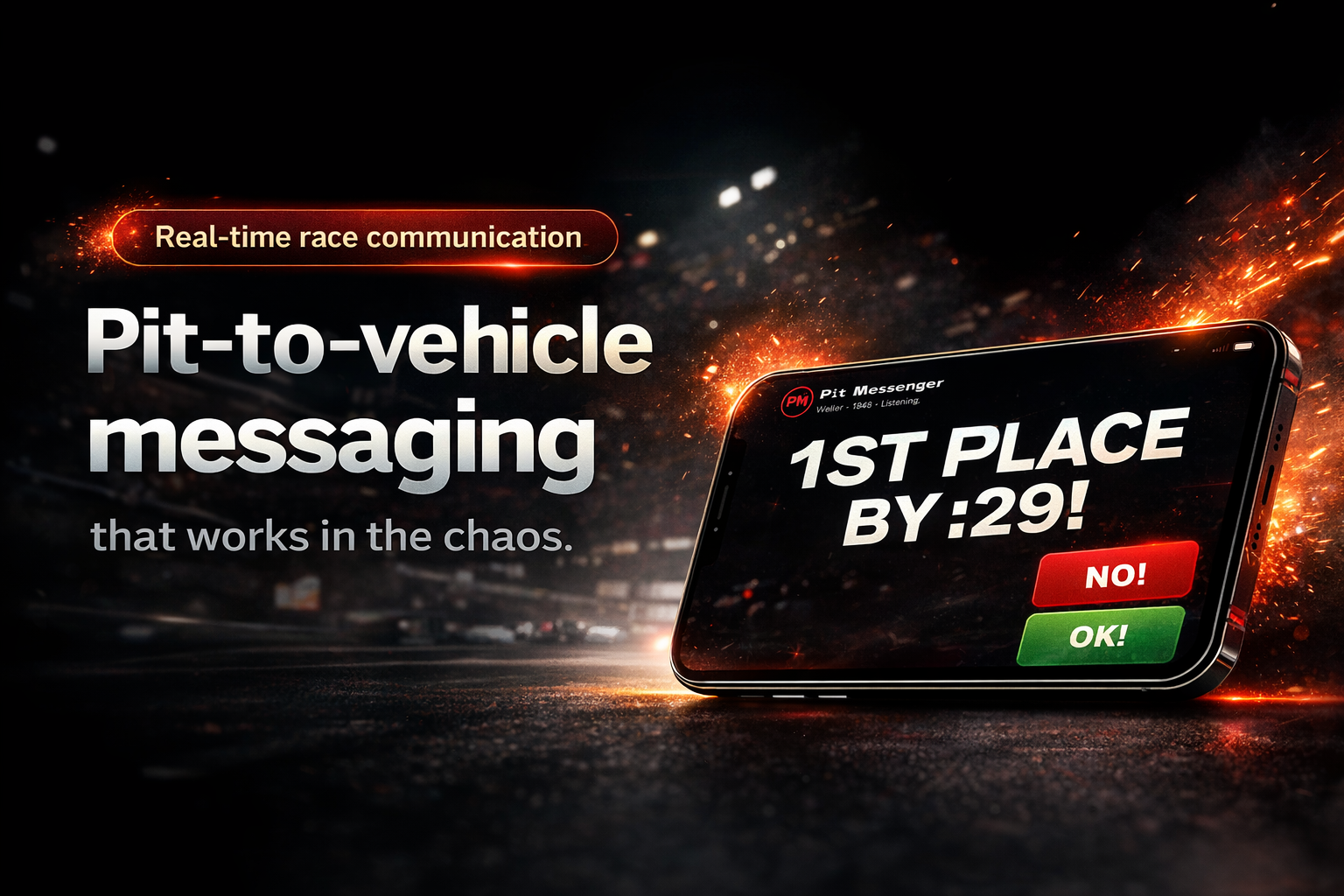
Real-time pit-to-vehicle messaging for racing teams.
See Pit Messenger in real racing
Watch how we use it between the pit and the car.
Learn the system
Admin (pit) and Display (car) working together.
How Pit Messenger works
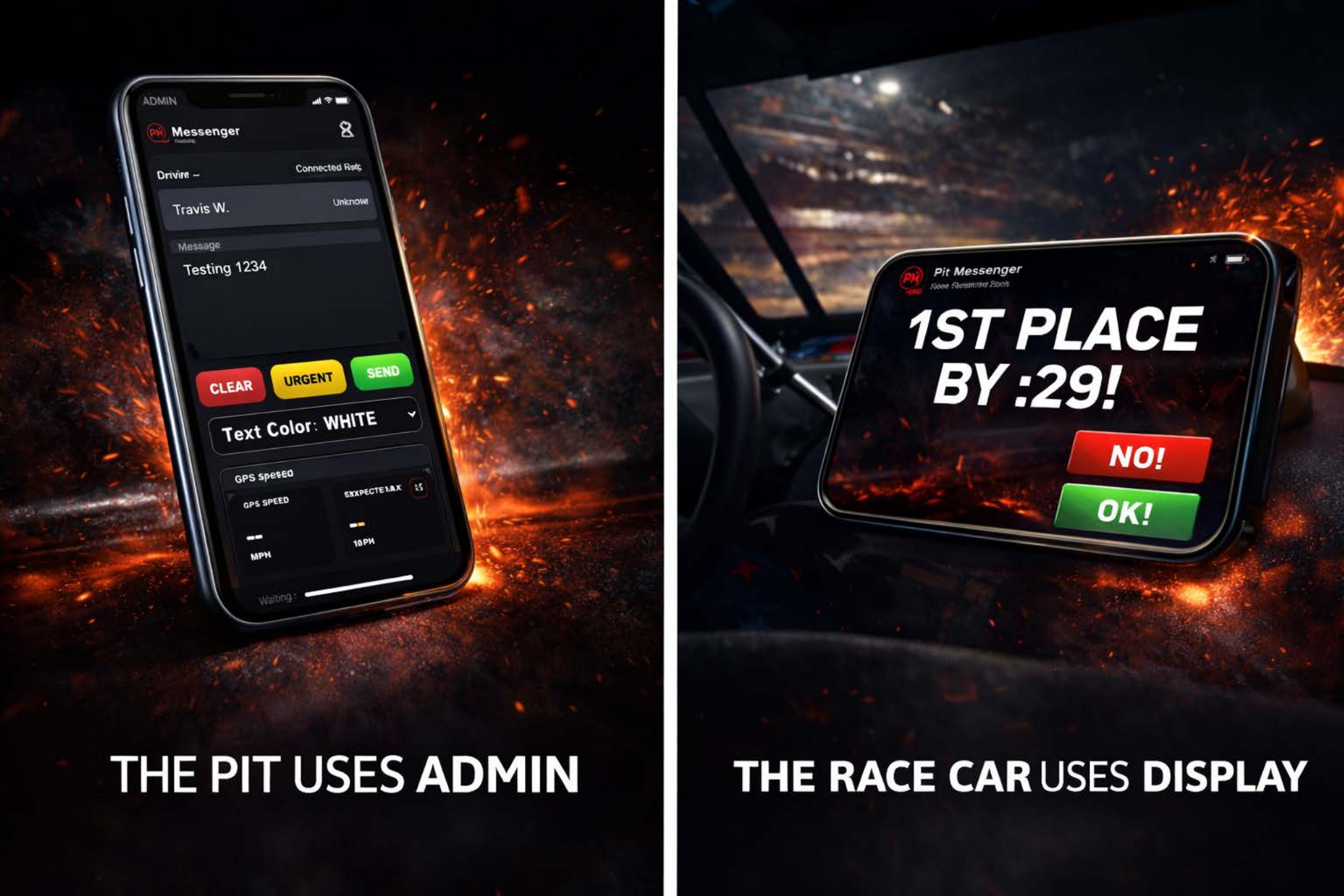
The pit crew uses Admin. The race car uses Display.
GET STARTED
1) Sign In & Create Team
Create your account and your team.
Your team is where admins and displays are managed.
Your team is where admins and displays are managed.
2) Choose Your Plan
Select the Pit Messenger plan that fits your team and continue setup with Clerk's secure billing flow.
3) Open Display (In Vehicle)
Open Pit Messenger on your in-car device and create a display.
This is what the driver sees.
This is what the driver sees.
4) Open Admin (Pit)
Open Admin to select your display and start sending messages.
The pit controls the display.
The pit controls the display.
Optional
Install Pit Messenger on your device for quicker access during race weekends.